
Genesys provides industry-leading customer experience solutions that help businesses enhance communication, streamline workflows, and optimize customer interactions.
Deploying and optimizing Genesys solutions on your infrastructure requires careful planning, robust hardware, and best practices to ensure peak performance.
This guide walks you through the key steps for deploying, optimizing, and securing Genesys applications on your infrastructure.
1. Preparing Infrastructure for Genesys Deployment
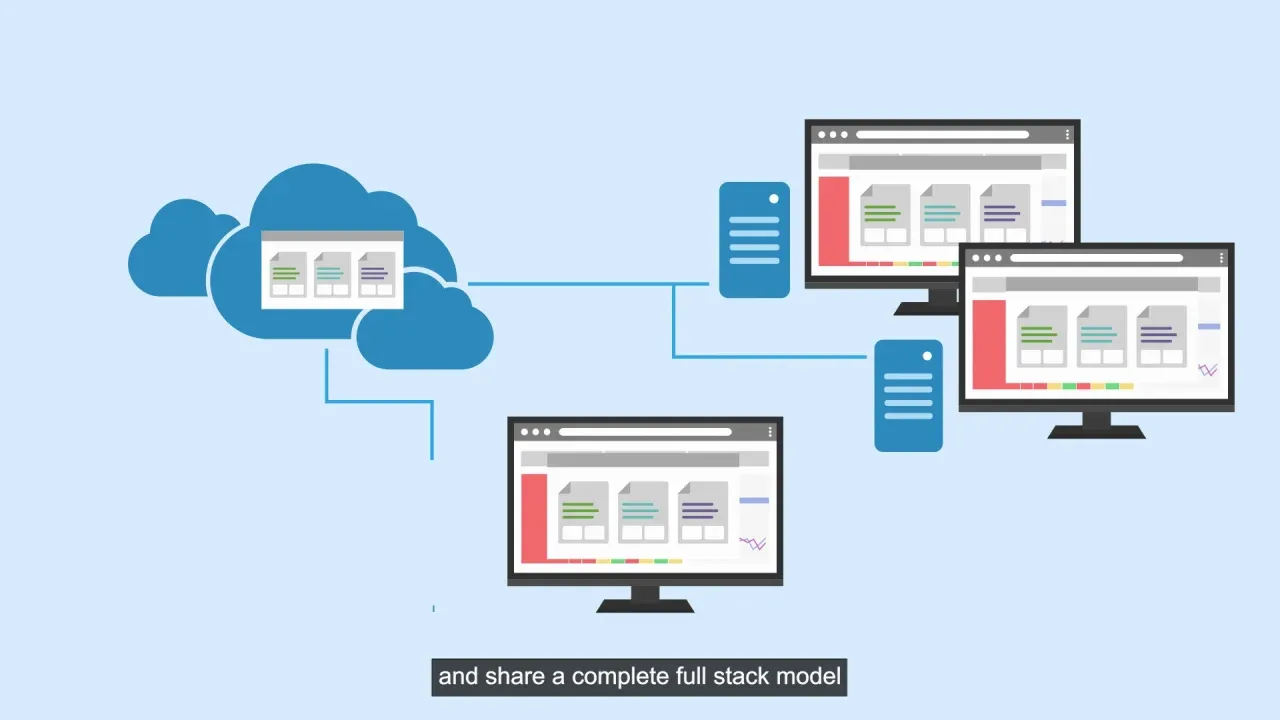
Before deploying Genesys, it is crucial to evaluate your existing IT infrastructure and ensure it meets the necessary requirements.
System Requirements:
-
Compute Power: High-performance servers with Intel Xeon or AMD EPYC processors.
-
Memory: Minimum of 32GB RAM, with scalability for larger workloads.
-
Storage: SSD/NVMe storage for low-latency operations and faster data processing.
-
Networking: High-speed connections (10GbE or higher) for seamless data transfer.
Pre-Deployment Steps:
-
Update Server Firmware & OS – Ensure compatibility and security patches are applied.
-
Configure Storage & RAID – Optimize redundancy and performance.
-
Virtualization Setup (If Required) – Deploy VMware, Hyper-V, or cloud solutions for scalability.
2. Deploying Genesys Solutions
Genesys offers multiple platforms, including Genesys Cloud, PureConnect, and PureEngage. Deployment may vary depending on whether you are using an on-premises, cloud-based, or hybrid environment.
A. On-Premises Deployment
-
Install Genesys Engage or PureConnect on dedicated servers.
-
Use Docker or Kubernetes for containerized applications.
-
Allocate dedicated CPU and memory to optimize performance.
B. Cloud-Based Deployment
-
Choose a cloud provider such as AWS, Azure, or Google Cloud.
-
Leverage auto-scaling and load balancing for high availability.
-
Ensure secure API integration for seamless connectivity.
C. Hybrid Deployment
-
Combine on-premises and cloud resources for flexibility.
-
Use VPNs and secure tunnels for data synchronization.
-
Deploy Genesys Cloud Edge for hybrid call routing.
3. Optimize Performance and Reliability
For a smooth customer experience, optimizing Genesys applications is essential.
Network optimization plays a crucial role in ensuring seamless communication. Prioritizing voice traffic using QoS (Quality of Service) settings helps maintain call clarity and reduces latency issues.
Database performance is another key factor in optimizing Genesys solutions. Utilizing high-speed SSDs enhances data retrieval speed, while optimizing indexing ensures faster query performance.
High availability and redundancy are critical to maintaining uninterrupted services. Implementing load balancing, failover mechanisms, and geo-redundant clusters ensures that the system remains operational even in the event of hardware failures or unexpected outages.
Real-time monitoring is essential for proactive issue resolution. Using Genesys Insights and third-party monitoring tools, businesses can track system health, detect anomalies, and address performance bottlenecks before they impact customer experience.
4. Security and Compliance Considerations

-
Protecting customer data and ensuring regulatory compliance is critical in any deployment.
-
Implement Role-Based Access Controls (RBAC) to restrict system access.
-
Use End-to-End Encryption to secure voice and data transmissions.
-
Deploy Firewall and DDoS Protection to safeguard against cyber threats.
-
Regular Security Audits & Compliance Checks (GDPR, HIPAA, PCI-DSS) to meet industry standards.
5. Scaling and Future-Proofing
As your business grows, scaling your Genesys infrastructure ensures continued reliability and efficiency. Adopting a scalable cloud model allows businesses to handle fluctuating workloads seamlessly, ensuring that demand spikes do not affect system performance.
Optimizing storage and compute resources using predictive analytics helps anticipate future requirements, reducing bottlenecks and ensuring smooth operations.
Additionally, regularly upgrading software and hardware is crucial for keeping systems up to date with new features, security patches, and performance enhancements.
Deploying and optimizing Genesys solutions on your infrastructure requires a strategic approach. By ensuring proper hardware setup, following best deployment practices, optimizing performance, and maintaining robust security, businesses can maximize their investment in Genesys technology. engagement.